Once everything is recorded, the work is not done yet. Part of the experience of the Jamuary is to publish your work. Having a light workflow is key to spend most time making music, and art.
In this article, I will share key elements that helped be efficient at putting together videos and share them online.
Making videos for the social medias
I make music with my iPad and my instruments. It is an iPad mini so it is pretty lacking in raw power. Also iMovie on the iPad is pretty frustrating : the UI is not precise enough and the features are limited. Do not try to go beyond the way of what is available, you will lose your time as I did last year.
Conclusion, I had to use my computer for video editing. I have tried iMovie in the past and I am not a huge fan, even on a computer. Also given that I am considering video editing as a core part of my art production, I wanted to use something that I could use confidently in the future.
That’s why I chose to go for DaVinci Resolve. This is my first recommendation. This tool is very powerful and yet still approachable by a newcomer like me. And it costs nothing to use, so it’s less of a comitment to start with.
I started my usage of DaVinci in a simple way : adding an intro and and an ending. There are lots of presets for titles and texts. I picked two and a specific template of text for each. When making performance videos, I had to replace the audio channel with the song. It’s easy to lower the orignal sound or completly remove it. For the synchronisation, I am trying to get the moment I touch the record button in the video.
When the video animation was made in VS2 (read my article on making the visuals), the job was even easier as the sound is backed in already and synced.
Another cool thing you can do with DaVinci is muliple timelines : make different videos with different formats from the same elements, even from another timeline directly. This let me do reels for youtube by the end of the Jamuary.
Working with multiple devices
As I mentionned I used an iPad and a laptop. I also wanted to capture the performances so I started to used my phone to record. But now I had to move files around from 3 devices. And I hate that process, it’s clunky and the best solution the GAFAM provides us is the cloud… while my devices are a few centimenters away. This is slow and very unefficient.
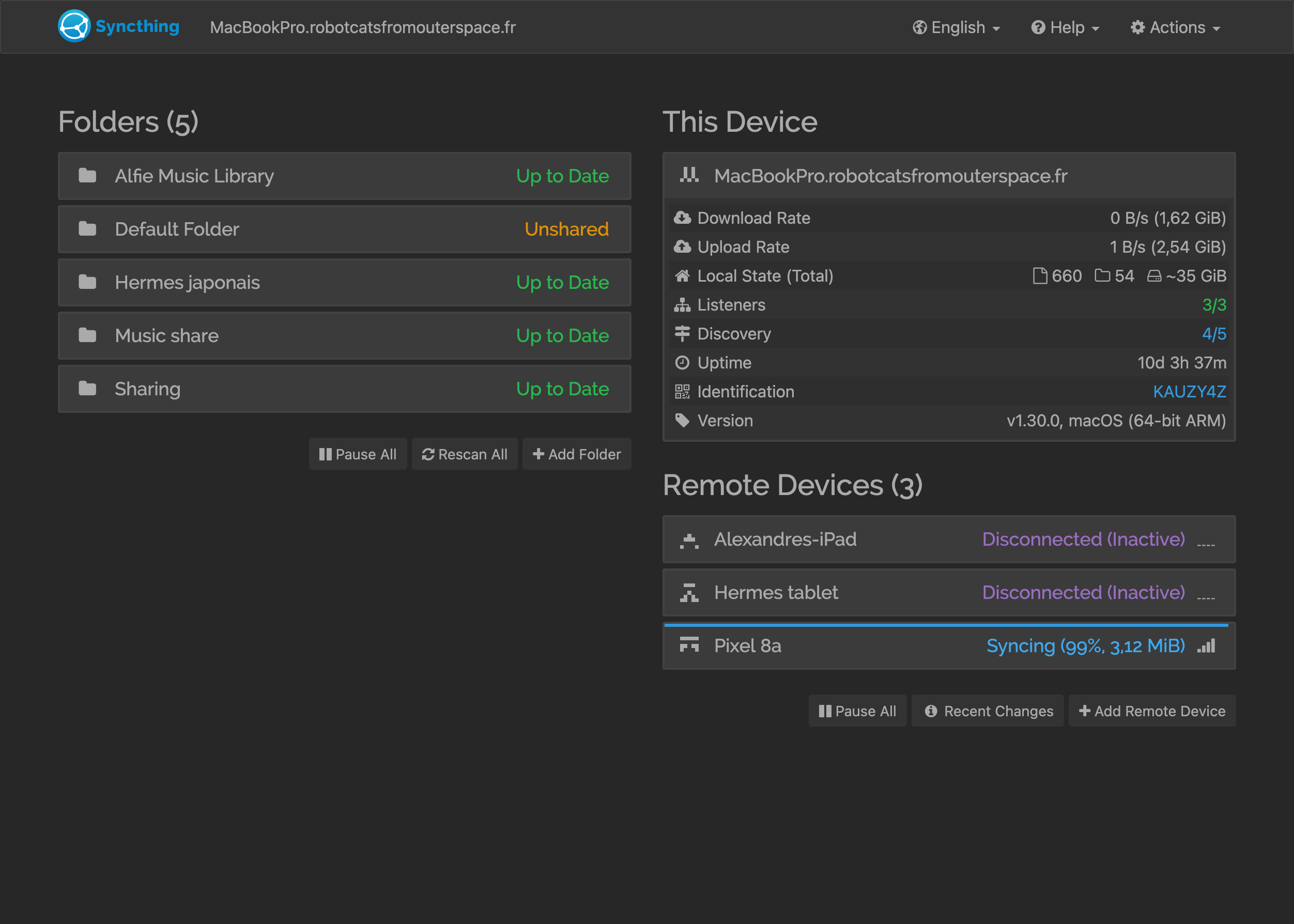
But there is a solution for that : SyncThing
It’s like dropbox, but it’s free and your devices communicate directly with each other.
The onboarding is a bit technical, but past that it’s really magic: I record move the files I want to the shared folder on my iPad, I move the videos on my phone to the shared folder too and I wait a couple of seconds on my computer and I’m ready to work of the videos for the social medias.
Bonus point: making miniatures for the videos
I’m using a fading transition from the title to the actual videos. This means that there are a few frame that have the title and a cool preview of the video.
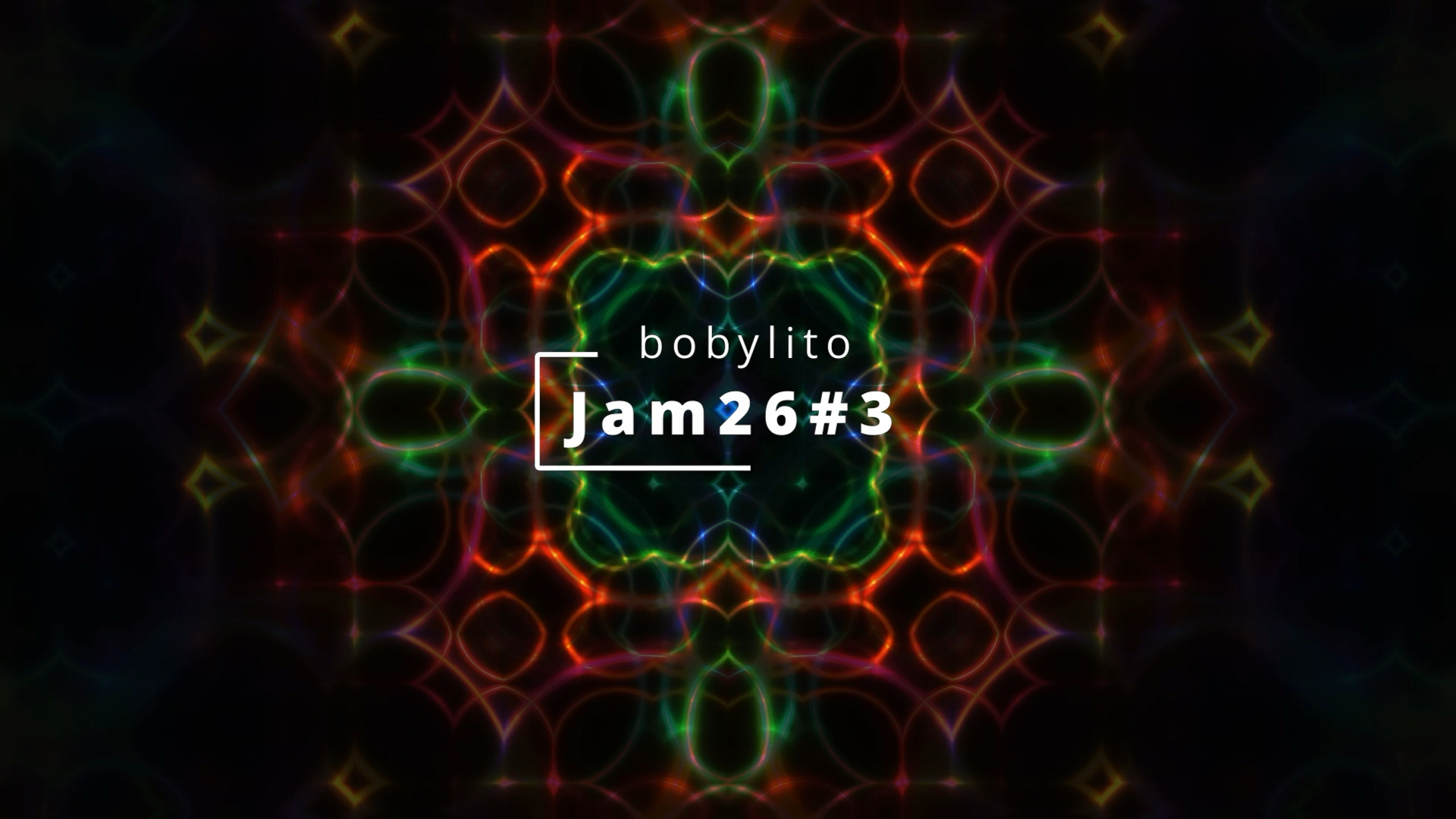
To make this :
- open video in QuickTime
- select the right frame
- cmd+c for coying the frame
- open preview
- cmd+n to make a new file with the clipboard content
- enjoy!
Conclusion
Making the artefacts for people to see your work is important but it is time consuming especially when you start off. And you do not want to spend of your time there, this is not what you’re here for. So be clever and find solutions to make your life easier.
This year, it was for me:
- using a professional video editing software on my computer : DaVinci Resolve
- simplifying data exchange from devices using SyncThing
- optimizing the miniature creation based
I hope this helps, I also wrote about the setup I used and how I made the visuals.